Complete Guide 2026
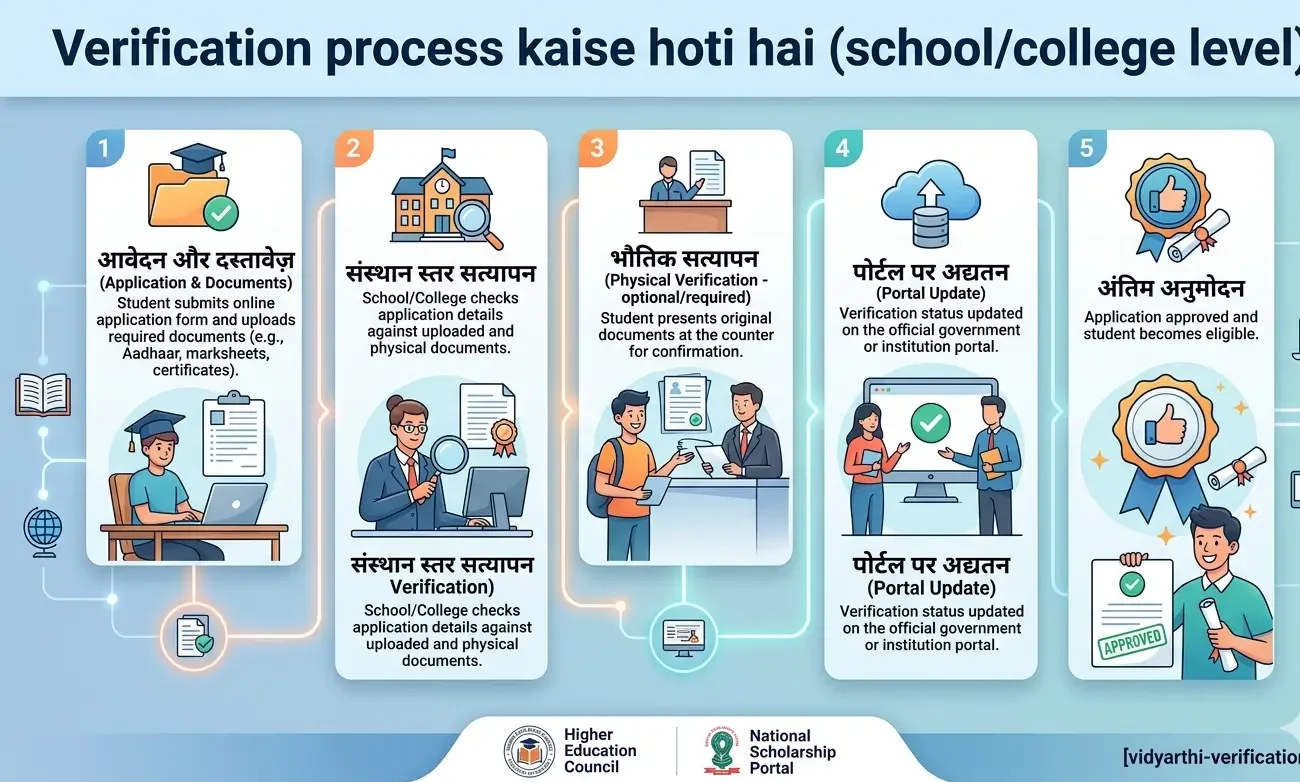
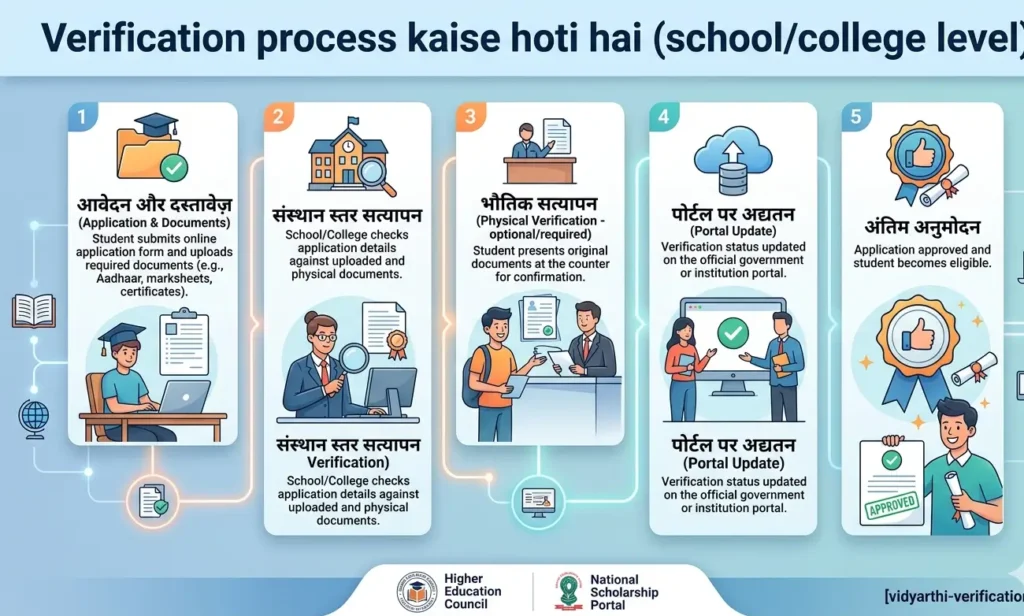
⚠️ Important Note:Verification process kaise hoti hai (school/college level): यह एक independent guide website है — NOT the official government or board site. हम आपको official portals को navigate करने में मदद कर रहे हैं। हमेशा official website पर rules और fees को double-check करें।
Introduction
School aur college level par document verification online platformों (eSanad, COBSE, university portals) के माध्यम से होती है जिसमें documents की authenticity को issuing authority द्वारा cross-check किया जाता है . यह प्रक्रिया CBSE/State Boards के लिए 3-5 दिनों में पूरी होती है , जबकि PSEB के लिए पहले 40-45 दिन लगते थे अब कुछ ही दिनों में हो जाती है . Verification के लिए documents को 200 DPI, 2MB PDF में scan करना आवश्यक है . यह लेख school और college — दोनों स्तरों पर verification प्रक्रिया को step-by-step समझाता है।
क्या आप जानते हैं कि एक महीने में 5,700 से अधिक applications eSanad portal पर process हुईं ? यह बताता है कि यह प्रक्रिया कितनी महत्वपूर्ण और व्यापक है।
School Level Document Verification
CBSE Board Verification Process
CBSE board ने document verification को पूरी तरह से online कर दिया है :
Step 1: CBSE official results/verification page पर जाएँ
Step 2: Application No., Roll No., और standard (10th/12th) enter करें
Step 3: School Code और Centre Code (admit card के अनुसार) भरें
Step 4: “Proceed” click करें — application number generate होगा
Fee: ₹2,000 per mark sheet
Timeline: Verification result day से 21 days तक open रहता है . Verification में 3-5 business days लगते हैं .
क्या होता है अगर आप 21 दिन के भीतर apply नहीं करते? Application accept नहीं होती और आपको board office जाना पड़ता है जिसमें अधिक समय और effort लगता है।
State Board Verification Process
State boards (UP Board, Maharashtra Board, MP Board, etc.) के लिए process भी online है:
Step 1: अपने state board की official website पर जाएँ
Step 2: “Mark Sheet Verification” / “e-Marksheet” / “Certificate Verification” link ढूँढें
Step 3: Roll number, registration number enter करें
Step 4: Verification result download या screenshot लें
UDISE Number Requirement: School transfer के समय UDISE number mandatory है — school authorities verify करते हैं।
Common Mistake: बहुत से parents और students “No Record Found” error देखकर घबरा जाते हैं। यह fake या unrecognised certificate का संकेत हो सकता है .
NIOS Verification Process
NIOS (National Institute of Open Schooling) students के लिए:
Step 1: NIOS “Student Information Section” पर जाएँ
Step 2: “Secondary” या “Senior Secondary” select करें
Step 3: Roll No. enter करें और “Verify” click करें
Step 4: Verification result download करें
College/University Level Verification
eSanad Portal — Complete Process
eSanad Ministry of External Affairs का digital platform है जो faceless, cashless और paperless document verification/attestation/apostille services provide करता है . यह process Part A (university verification) और Part B (eSanad portal) — दो भागों में होती है.
Part A: University Verification (Fee Payment)
सबसे पहले student को university से document verification करवाना होता है और उसका fee receipt प्राप्त करना होता है :
| University/Board | Verification Fee | Contact |
|---|---|---|
| Lovely Professional University | Free | anil.11928@lpu.co.in |
| Akal University | ₹500/certificate | acoe@auts.ac.in |
| Chitkara University | ₹1000/Degree, ₹500/other | — |
| Avinashilingam Institute | ₹1000 + GST | coe@avinuty.ac.in |
| PSEB (School Board) | ₹900/document | — |
| CBSE | ₹2000/marksheet | — |
| IIM Ranchi (Recruiter Verification) | ₹2000 + GST | — |
Important: Fee receipt को PDF में save करें और eSanad portal पर supporting document के रूप में upload करें .
Part B: eSanad Portal Steps
Step 1: Registration
-
https://esanad.nic.in पर जाएँ
-
“New User (Sign Up)” select करें
-
All details fill करें और Register click करें
-
Password registered mobile/email पर share होगा
Step 2: Document Scanning (सबसे महत्वपूर्ण कदम)
-
200 DPI resolution
-
Maximum 2 MB per document
-
Portrait format with A4 size (8.27 x 11.69 inches)
-
Save as PDF
-
Front side only scan करें
Step 3: Document Upload and MEA Fee Payment
-
Login करें → Manage Document → Online Attestation → Apply for Non Pre-verified Document
-
Form carefully fill करें और scanned documents upload करें
-
MEA Fee: ₹40 (Attestation), ₹90 (Apostille)
Step 4: ARN Generation
-
eSanad unique ARN (Application Registration Number) generate करेगा
-
This number से status check करें
HEC Degree Attestation System (Pakistan)
Higher Education Commission (HEC) Pakistan का 4-step online system :
-
Online Application — eservices.hec.gov.pk पर sign-up/sign-in
-
Scrutiny by HEC — NADRA verification, document completeness check
-
University Verification — concerned university credentials verify करती है
-
e-Attestation Certificate Issuance — SMS/email notification, online download
Fee: ₹3,000 per document
Critical Rule: CNIC और educational documents पर name identical होना चाहिए, वरना process initiate नहीं होगा .
Verification Timeline Comparison
| Authority | Earlier Time | Current Time |
|---|---|---|
| PSEB | 40-45 days | Few days |
| CBSE | — | 3-5 business days |
| MEA eSanad | 7-10 days | Within 7 working days |
| IIM Ranchi | — | Within 2 weeks |
Common Mistakes and Rejection Reasons
Mistake 1: Name Mismatch in Documents
-
Kya होता है: CNIC और educational documents में name difference — verification process start नहीं होता
-
Consequence: Application return होती है, fee refund नहीं होती
-
Solution: Apply करने से पहले सभी documents में name identical होना चाहिए
Mistake 2: Blurry or Incorrect Scans
-
Kya होता है: 200 DPI, 2MB से ज़्यादा size, PDF format नहीं
-
Consequence: Document rejection या delay
-
Solution: Proper scanner का use करें, specifications strictly follow करें
Mistake 3: Missing University Fee Receipt
-
Kya होता है: Without fee receipt, eSanad पर university verification नहीं होती
-
Consequence: Application reject या hold
-
Solution: Fee receipt PDF में save करें और upload करें
Mistake 4: Wrong Document Selection
-
Kya होता है: Unnecessary documents select करना या required documents miss करना
-
Consequence: Fee waste, application incomplete
-
Solution: Carefully read instructions, only required documents select करें
Mistake 5: Multiple Candidates on Single Registration
-
Kya होता है: एक registration से multiple candidates के documents submit करना
-
Consequence: Rejection of eSanad verification
-
Solution: Every candidate के लिए separate registration
Real-World Application
Case Example 1: PSEB student को higher education के लिए verified documents चाहिए। पहले उन्हें 40-45 days wait करना पड़ता था . अब eSanad portal से कुछ ही days में verification हो जाती है . Fee: ₹900 to PSEB + ₹40 to MEA = ₹940 total .
Case Example 2: LPU student को document attestation के लिए ₹0 university fee + ₹40 MEA fee = सिर्फ ₹40 में verification हो जाती है . University free verification provide करती है.
Official Portals and Helpline
Official Portals:
-
eSanad Portal: https://esanad.nic.in
-
CBSE Verification: cbse.gov.in
-
NIOS Verification: nios.ac.in
-
HEC Pakistan: eservices.hec.gov.pk
Official Helpline:
-
COBSE: 011-40541446
-
MEA: support@mea.gov.in, 011-49018404
⚠️ Remember: ये portal और helpline official हैं। यह guide site official नहीं है — always official portal को ही final मानें।
Frequently Asked Questions (FAQs)
Q1: School/college level par verification process kaise start karein?
CBSE/State Board के लिए board की official website पर “Mark Sheet Verification” link use करें . College documents के लिए eSanad portal (https://esanad.nic.in) पर registration करें .
Q2: Verification mein kitna time lagta hai?
3-5 business days (CBSE) , within 7 working days (eSanad MEA) , PSEB के लिए अब कुछ ही days .
Q3: Document scan karne ke liye kya specifications hain?
200 DPI resolution, maximum 2 MB per document, portrait format (A4 size), PDF format, front side only .
Q4: Verification fee kitna lagta hai?
CBSE: ₹2000/marksheet , PSEB: ₹900/document , Akal University: ₹500/certificate , Chitkara: ₹1000/degree , LPU: Free , MEA: ₹40 (Attestation)/₹90 (Apostille) .
Q5: 10 साल पुराने certificate की verification हो सकती है?
हाँ — most boards archives retain करते हैं और COBSE older certificates में assist कर सकता है .
Q6: “No Record Found” error kyun aa raha hai?
यह fake या unrecognised certificate का संकेत हो सकता है . COBSE से contact करें .
Q7: Self-attestation vs notary — kya difference hai?
Self-attestation usually enough है, लेकिन कुछ cases में notary/attestation required है — board/university की guidelines check करें.
Q8: Verification status kaise track karein?
eSanad portal पर ARN (Application Registration Number) से status check करें . https://esanad.nic.in पर “Status Enquiry” option use करें .
Q9: CNIC और educational documents mein name mismatch hai — kya karein?
Process initiate नहीं होगा . Apply करने से पहले सभी documents पर name identical होना चाहिए .
Q10: Multiple candidates ek registration se apply kar sakte hain?
नहीं — every candidate को separately register करना होगा .
Conclusion
School aur college level verification process online platforms (eSanad, COBSE, university portals) के माध्यम से सरल, तेज और पारदर्शी हो गई है. CBSE की 21-day window से लेकर eSanad की faceless, cashless, paperless system तक — यह process अब पहले से कहीं अधिक accessible है .
महत्वपूर्ण बातें:
-
Documents scan करें: 200 DPI, 2MB, PDF
-
University fee pay करें: यह vary करती है (Free to ₹2000)
-
eSanad portal पर apply करें: Registration → Upload → MEA Fee Payment → ARN Generation
-
Status track करें: ARN number से
-
Common mistakes से बचें: Name mismatch, blurry scans, missing receipts
अगर किसी step में problem हो, तो official portal esanad.nic.in पर guidelines check करें या COBSE (011-40541446) या MEA (support@mea.gov.in) से contact करें .